Point the suite at a real stack
The problem
A deployed environment can outlive the test process. You want the suite to use its existing API, database and broker rather than start replacements.
In topology mode, the suite started the product through Aspire. Here a script starts the product processes outside the suite and supplies their addresses. OpenCSMS rehearses that arrangement on one machine.
Do it
1. Start the two containers once
The rehearsal expects these named containers to be running before the suite starts:
docker run -d --name opencsms-postgres -e POSTGRES_USER=opencsms -e POSTGRES_PASSWORD=opencsms -e POSTGRES_DB=opencsms -p 5432:5432 postgres:16-alpine
docker run -d --name opencsms-rabbitmq -p 5672:5672 rabbitmq:3-alpine
The script reuses these containers across runs and leaves them running.
2. Run the mode
From the OpenCSMS repository root:
pwsh eng/run-suite.ps1 -Mode published
The script builds the dashboard and product, then starts OpenCsms.Api.dll on http://127.0.0.1:5080. It starts both workers and waits until /healthz returns HTTP 200.
It supplies the five keys below, runs the suite, and stops the three product processes afterwards.
3. Read the five keys
| Key | What it points at |
|---|---|
ConnectionStrings__Csms | the product's PostgreSQL database |
Messaging__RabbitMq__ConnectionString | the product's RabbitMQ broker |
ProtoTest__Messaging__RabbitMq__ConnectionString | the broker for the suite's own tap, the listener a test uses to watch messages |
ProtoTest__Applications__Csms__BaseUrl | the API the suite calls and provisions through |
ProtoTest__Applications__Dashboard__BaseUrl | the same address, for the browser session |
Each target is served by a chain: an ordered list of providers, where the first one that applies wins (lesson 1). UseConfigured() comes first, so these addresses replace the containers and in-process servers the suite would otherwise start. ProtoTest then hosts no workers in the test process. The suite's local HTTP fakes and other test resources still start.
4. Read the counts
Passed! - Failed: 0, Passed: 61, Skipped: 13, Total: 74, Duration: 20 s - OpenCsms.Suite.dll (net8.0)
This output comes from artifacts/gates/opencsms-published-20260928-090106.log. It skips the same 13 tests as the topology run, for the same missing in-process capabilities.
5. Read the worker logs beside it
The process logs sit beside the suite log, with billing-worker and notification-worker in their filenames. The billing log confirms that its consumer started on the broker queue:
SessionEndedConsumer consuming 'billing.session-ended'.
The notification process had no target addresses. Each of its two consumers, the parts that react to broker messages, reported why it remained idle:
InvoiceIssuedNotificationConsumer is idle: No invoice-ready target is configured ('Notifications:InvoiceReadyBaseUrl').
BillingFailedNotificationConsumer is idle: No billing-failure target is configured ('Notifications:BillingFailureBaseUrl').
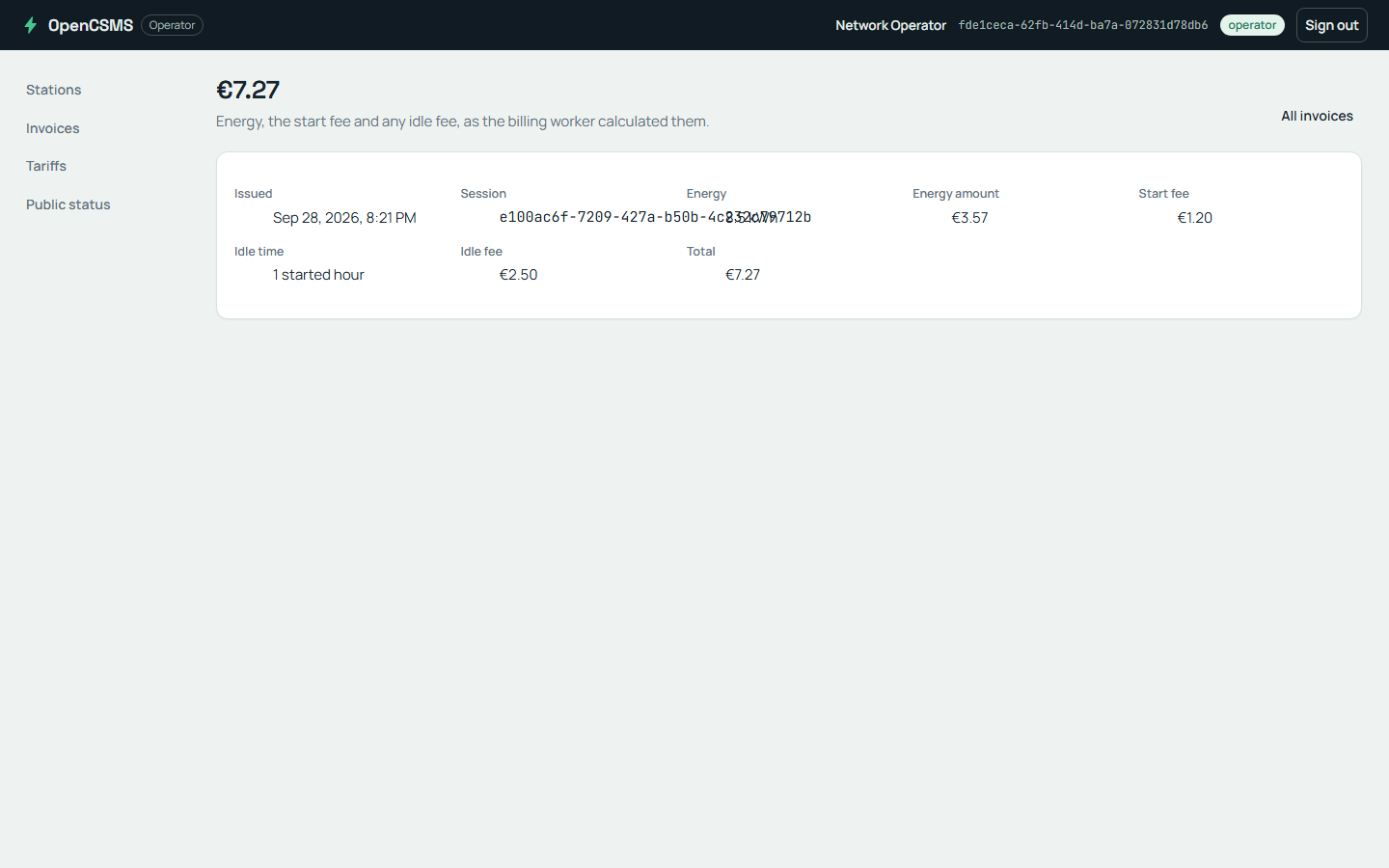
The invoice detail the billing worker fills. An illustration, not evidence from this run.
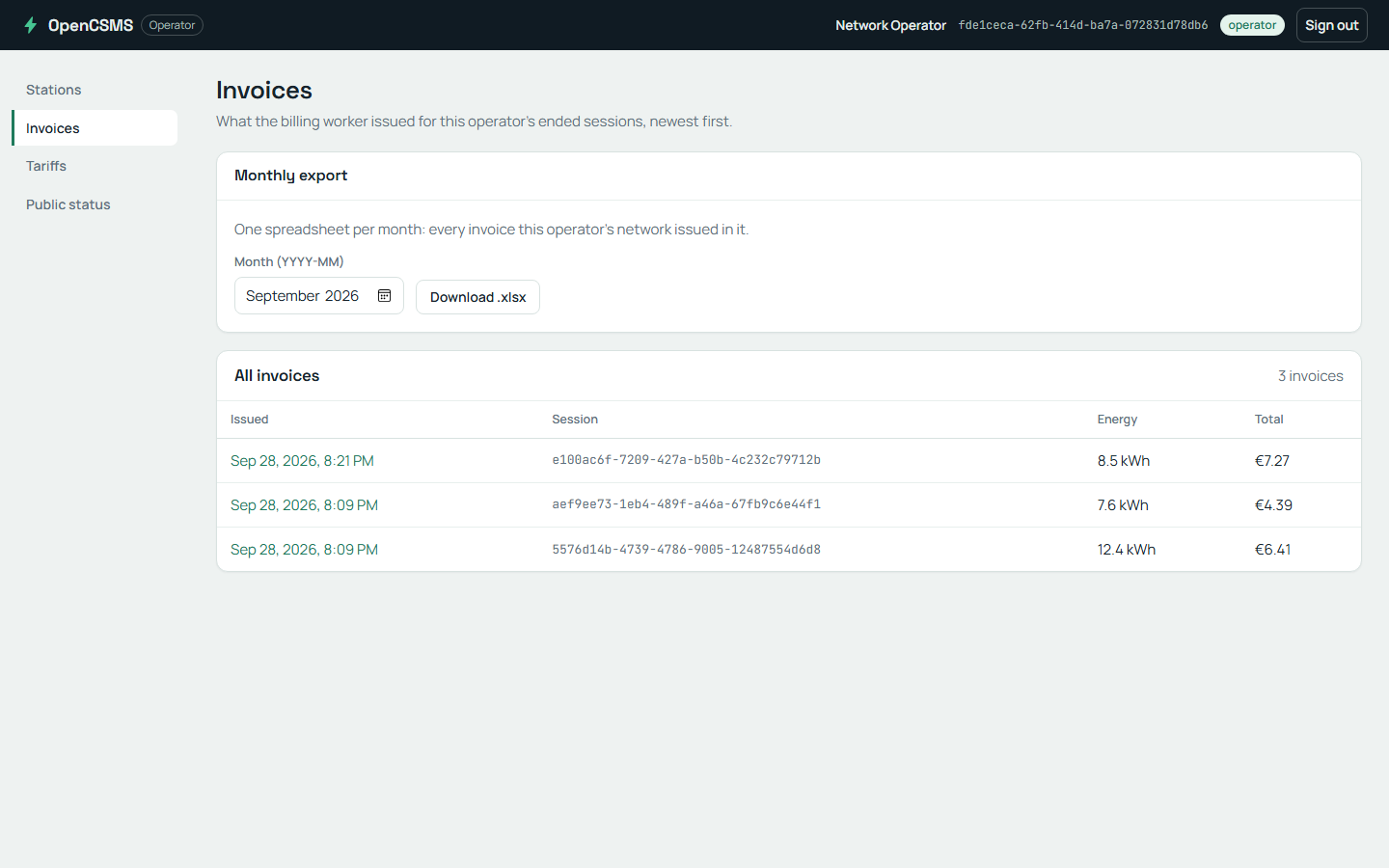
The monthly export screen. Its download journey is one of this run's skips.
What happened
In this published rehearsal:
- The product runs in three processes that the script starts and stops outside the test process.
- The database and broker run in existing containers that outlive the suite invocation.
- The suite still owns clients, fixtures, local HTTP fakes and reports. The recorded run skips the same 13 tests as the topology recording.
An idle notification consumer does not prove delivery works. It stops before subscribing when its target address is missing, and says so in its log.
Separate processes do not receive the suite's service substitutions or test clock. A team can supply the same five keys for another environment. Capability requirements still decide which journeys run there.
Check yourself
The published run starts a real notification worker and the worker does nothing. Which keys are missing, and what does each consumer print instead?
eng/run-suite.ps1 in published mode.Notifications:InvoiceReadyBaseUrl and Notifications:BillingFailureBaseUrl are unset in the notification process. The invoice consumer prints the invoice-ready message above. The failure consumer prints the billing-failure message.
The suite's own fakes do not reach a worker process the script already started.
Remember
- Configured addresses let the suite use an existing product stack. The script also clears conflicting mode settings.
- The script owns the product processes. The suite still owns its test resources and checks capability requirements.
- An idle notification consumer explains missing configuration. It does not demonstrate successful notification delivery.
Next: Inject faults on purpose.
Go deeper
- Environment resolution: how a configured address wins the chain and what each provider publishes.