Let Aspire start the topology
The problem
Container mode hosted the API and workers inside the test process, with a separate loopback application for the browser. Now you want to test the API and both workers as separate processes.
OpenCSMS declares those processes and their dependencies in an Aspire AppHost: a small project that tells Aspire which processes and services to start together. This lesson reads a saved run and the configuration that selected it.
Do it
1. Read what the AppHost declares
Read Program.cs in the OpenCSMS AppHost project. It declares these resources, the processes and services Aspire starts:
- PostgreSQL, with an
opencsmsdatabase, whenConnectionStrings:Csmsis unset. - RabbitMQ when
Messaging:RabbitMq:ConnectionStringis unset. - The API project, which also serves the dashboard, as a project resource.
- The billing worker and the notification worker as project resources.
The API and workers receive either the configured addresses or those of the containers the AppHost starts.
2. Map its resources onto the suite's targets
The suite's registration says which resource fills which target:
1.AddAspireAppHost<OpenCsmsAppHostAnchor>(2options => options3.MapResource("api", CsmsTargets.Api)4.MapConnectionString("opencsms", CsmsInfrastructureExtensions.ConnectionStringKey)5.MapConnectionString("rabbitmq", RabbitMqOptions.ConnectionStringSetting),6"api",7"opencsms",8"rabbitmq")
- Identify the AppHost
Any public type from the AppHost project tells ProtoTest which program to run.
- Map the API address
The api endpoint becomes the Csms application.
- Map the store and broker
Connection strings land under keys the suite already uses.
- Name the mapped resources
They choose whose settings ProtoTest publishes, not which resources start.
Setup.cs. The chain order still holds: a configured address wins over the AppHost.3. Select the mode
From the OpenCSMS repository root, this command selects topology mode:
pwsh eng/run-suite.ps1 -Mode topology
The script clears the addresses published mode uses, then sets ProtoTest__Aspire__Enabled=true, builds the dashboard and runs the suite. Without that key, the registration does not start the AppHost. A configured address still comes first in each target's provider chain (lesson 1), so it wins over the AppHost.
4. Read the counts
Passed! - Failed: 0, Passed: 61, Skipped: 13, Total: 74, Duration: 20 s - OpenCsms.Suite.dll (net8.0)
This output comes from artifacts/gates/opencsms-topology-20260928-094052.log. It lists the 13 skipped names, not their reasons. It is an earlier snapshot than lesson 1's, which has one journey more.
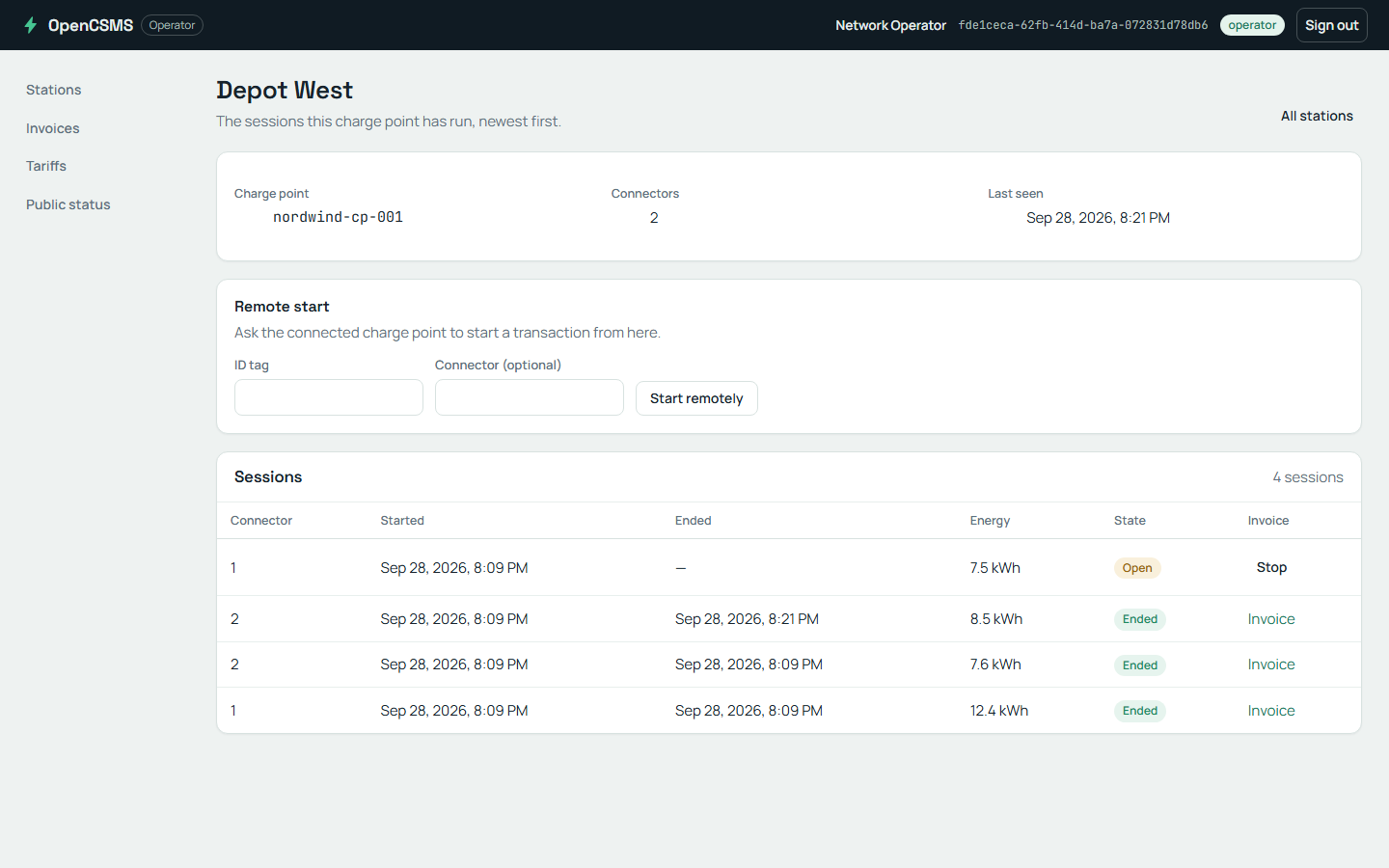
The station screen the API resource serves.
What happened
In the recorded topology run:
- The application runs as real processes: the API and both workers, started by the AppHost.
- The database and broker come from containers the AppHost starts for the run.
- The suite still owns fixtures, local HTTP fakes, clients and the trace.
The suite owns the AppHost's lifetime. Aspire manages the product processes, and ProtoTest stops the AppHost when it releases the run's resources.
The skipped names fall into three groups. Their source declares the capabilities each test needs:
| Group in the saved log | Requirement missing in this mode |
|---|---|
| Seven clock-dependent journeys, including the browser invoice export | [RequiresTestClock]: the suite's clock must control the application |
| Two outbox retry journeys | [RequiresInProcess]: they replace the API's event publisher through its services |
| Four notification delivery and outage journeys | In-process application and hosted workers, plus the test clock |
Some tests also declare [RequiresWorker<T>], which a separate worker process does not satisfy.
Check yourself
Why do the outbox retry and clock-dependent journeys skip even though the API and workers are running?
OutboxTests and the clock-dependent journeys. Read their capability attributes, not only the pass count.[RequiresInProcess] requires an application server inside the test process. The outbox tests need it to substitute the event publisher. [RequiresTestClock] requires the suite's clock to control application time. These separate processes use their own clocks.
Remember
- The AppHost is one provider in the same chain, selected by one key.
- It runs the API and both workers as project resources beside PostgreSQL and RabbitMQ.
- Separate processes do not provide ProtoTest's in-process services or clock. Capability attributes keep those journeys from running in an unsupported mode.
Next: Point the suite at a real stack.
Go deeper
- Aspire: the selection keys, the resource map and what each provider publishes.